Model
Video Fast 1.0 Free
Endless creativity, minimal cost. Reserved for early supporters
Prompt
0 / 2500
Aspect Ratio
1:1
3:4
4:3
9:16
16:9
Duration
3 s
5 s
Resolution
480p
720p
Create
Sample Video
Sample video preview

Create Video with AI: Convert Text to Video Online Instantly

Welcome to the most powerful AI text to video generator free platform that transforms your written words into captivating visual content. Whether you need to create video with artificial intelligence for marketing campaigns, educational materials, or social media posts, our advanced AI video generation from text prompt technology delivers stunning results in seconds. Simply type your description, and watch as our intelligent system converts your text into professional-quality video footage. This free AI text to video tool rivals expensive production studios while requiring zero technical expertise. Join millions of creators worldwide who use our platform to generate an AI video for free every day.

Prompt
The car speeds down the road, suddenly transforming into a green Transformer, running at high speed. The handheld camera gradually pulls back.
Sample Clip
Prompt
Camera follows as the man surfs on the ocean.
Sample Clip
Prompt
The camera follows as the character forms a hand seal with both hands, gathering boundless energy throughout their body. One hand shoots a massive energy beam forward, and the camera tracks the beam as it crashes into a massive snow mountain, resulting in a violent explosion, showcasing the character's immense power and presence.
Sample Clip

Create Videos from Any Written Content Using Advanced AI Technology

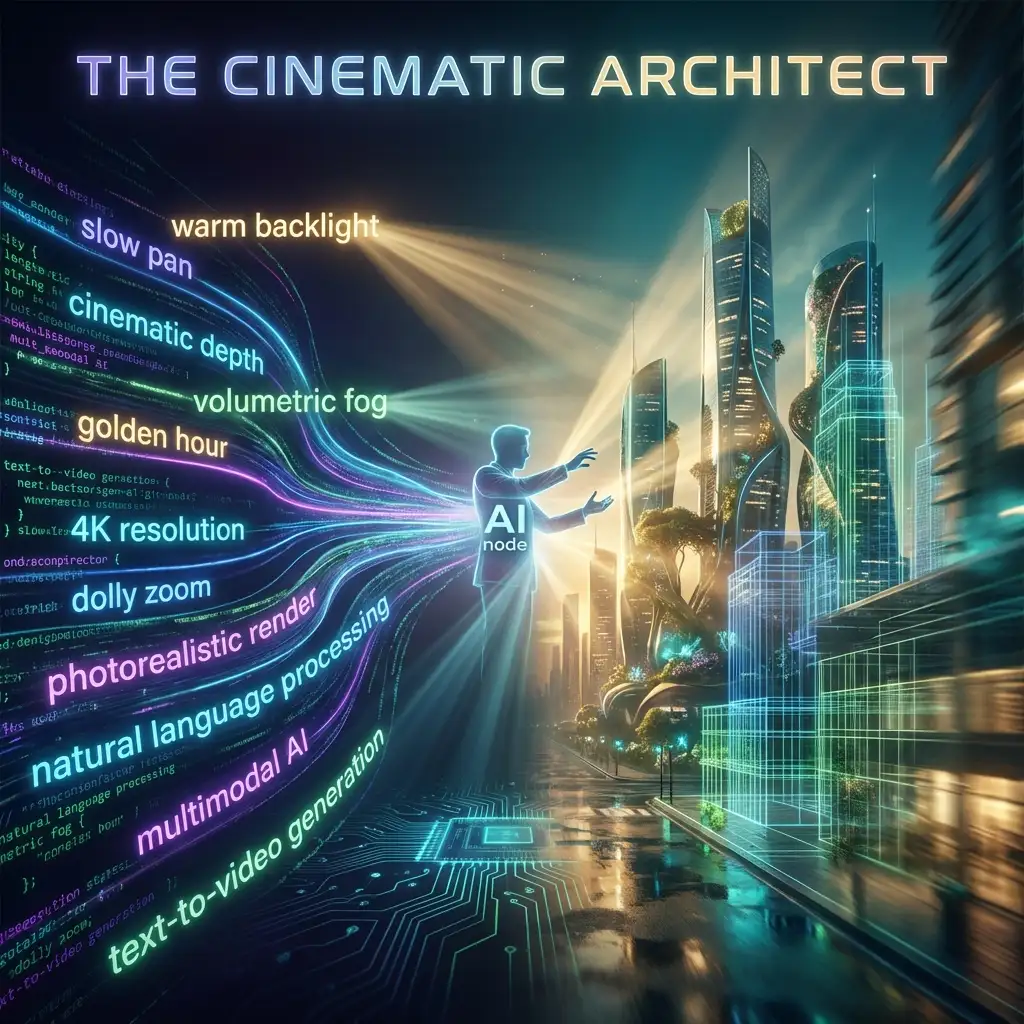
Our revolutionary AI text to videos platform understands natural language deeply, interpreting your descriptions to create video content that matches your exact vision. The text to video AI generators technology analyzes context, emotion, movement, and visual style from your prompts. Unlike basic apps that produce generic output, our sophisticated system converts your unique creative text into personalized video sequences with remarkable accuracy. Experience the power of prompt to video AI free without watermark today.

Convert Text to Video Online with Natural Language Processing

Simply describe what you want to see using everyday language. Our AI comprehends complex descriptions including spatial relationships, lighting conditions, camera movements, and emotional atmosphere. Create a video with text by writing naturally, whether describing a peaceful sunset scene, an energetic product demonstration, or an abstract artistic concept. The system interprets metaphors and creative language, transforming your vision into smooth video output. This invideo text to video alternative delivers results that exceed expectations.

Convert Text Now

Free AI Videos Generator with Studio-Quality Output

Access professional-grade AI video generation capabilities completely free. Our free AI videos generator produces full HD 1080p video with cinematic color grading and smooth frame rates. The output quality rivals traditional production studios while requiring no expensive equipment or technical skills. Every video created through our AI video generator from text free online platform comes without watermarks, ready for immediate commercial use. This represents the best AI text to video tools available anywhere.

Convert Text Now

Text to Speech Video Maker for Complete Productions

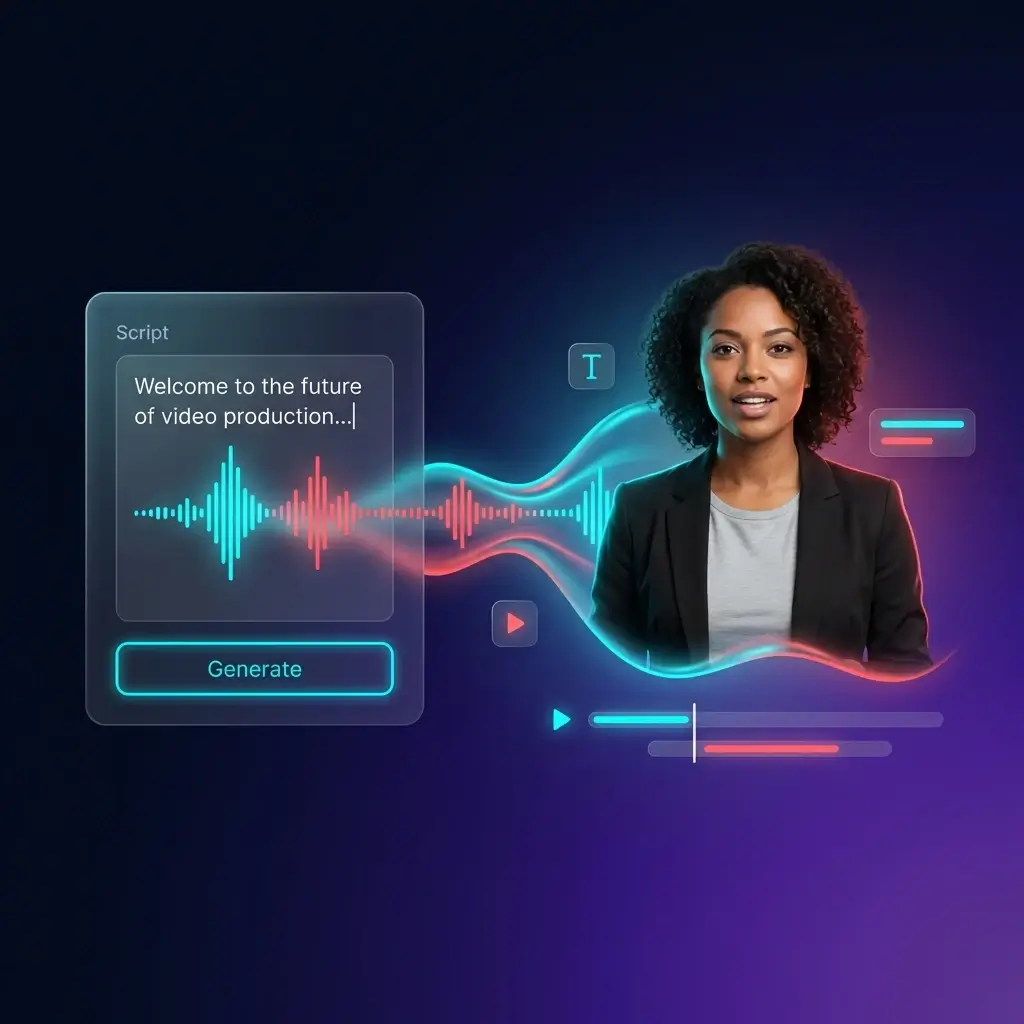
Combine visual AI generation with text to speech video maker capabilities for complete multimedia productions. Add natural-sounding voiceovers that sync perfectly with your generated visuals. Create narrated explainer content, tutorial sequences, and presentation materials from text alone. This comprehensive approach transforms scripts into finished video productions without recording equipment. Our text to video generator free online delivers everything needed for professional content.

Convert Text Now

Convert Text to Video: Three Simple Steps to Amazing Content

Create a Video with Text Descriptions

Begin by writing a detailed description of the video you want to create. Include visual elements, motion, atmosphere, camera angles, and style preferences. Our AI analyzes every word in your prompt to understand exactly what you envision. More detailed prompts produce better results, so describe scenes like a film director would. The how to create text video process becomes intuitive once you understand that AI responds to vivid, specific language.

Cheapest AI Video Generator Processing

Our cheapest AI video generator processes your text through multiple neural networks optimized for different visual styles. The system automatically selects optimal processing paths based on your prompt characteristics. Whether you need realistic footage, animated content, or artistic interpretations, our AI adapts to deliver exactly what you describe. Processing completes in under two minutes, converting your text prompt into polished video content efficiently.

Download and Share Your AI Text Videos

Receive your completed video without watermarks and without creating an account. Your prompt to movie creation downloads instantly in universally compatible format optimized for any platform. Share directly to social media, embed in presentations, or use in commercial projects. The text to video AI generator free without watermark approach means your content is truly yours to use however you choose.

Video Maker AI Applications Across Every Industry

From viral social content to professional marketing materials, our video maker AI technology empowers creators across every field. The AI text to video generator adapts to any creative challenge, converting written concepts into compelling visual narratives. Whether you compare us to canva text to video generator alternatives or professional studios, our results consistently impress. Explore how professionals leverage this free AI video maker from text.

Social Media
Marketing
Education
Business

Viral Content Creation Engine

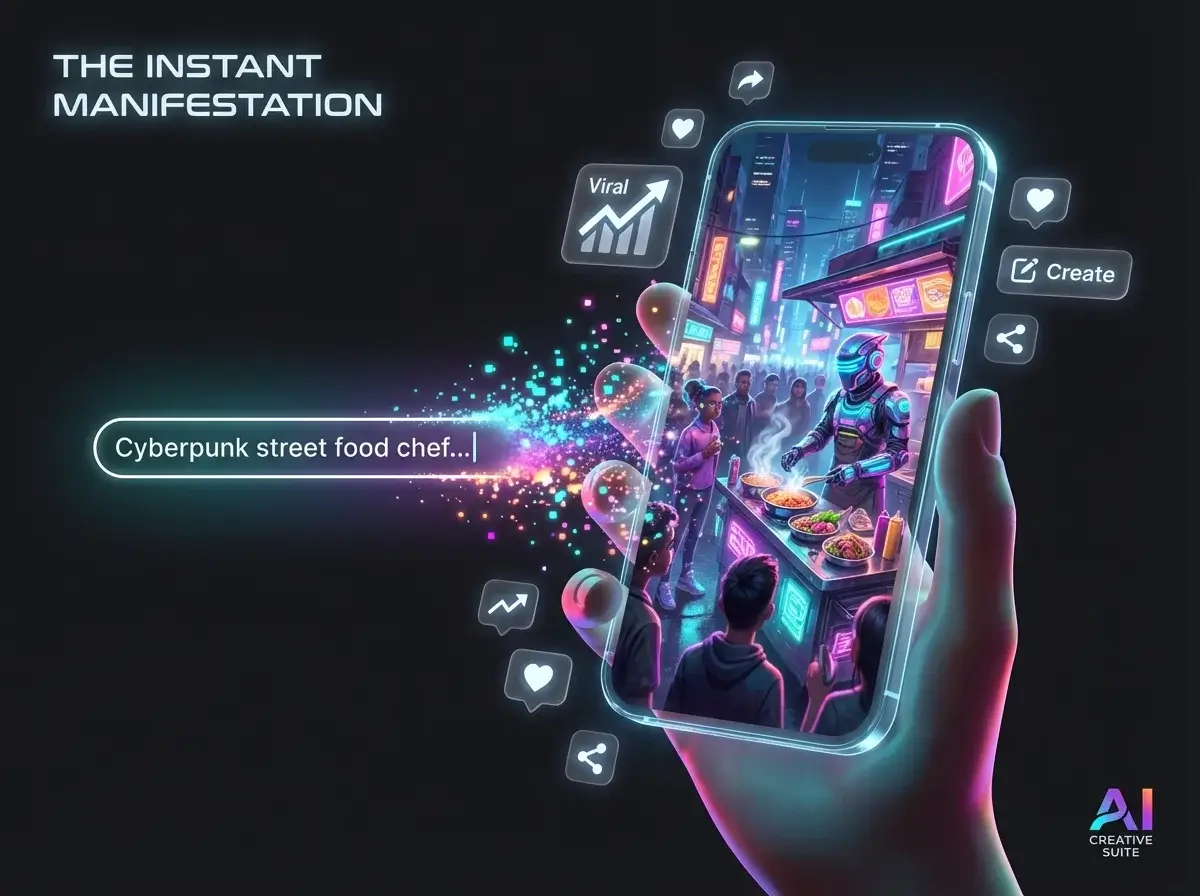
Dominate social feeds with scroll-stopping AI footage generated from simple text descriptions. Make trending TikToks, engaging Instagram Reels, and shareable YouTube Shorts by describing what you want. Our AI produces platform-native content optimized for algorithmic discovery. Generate an AI video for free daily, test different creative concepts rapidly, and scale your social presence exponentially without filming anything.

How to Create a Video with Text: Real User Success Stories

Marketing Video Costs Eliminated

We used to spend thousands on video production for social campaigns. Now I type a text description and have professional AI video footage in minutes. This AI text to video generator completely transformed our content strategy. The quality rivals traditional production while the free AI text to video tool approach saves our entire budget.

Jennifer Walsh
Marketing Director

Content Video Volume Multiplied

As a solo creator, producing enough video content seemed impossible before discovering this AI platform. Now I convert text to video dozens of times weekly. My channel growth accelerated dramatically once I could publish AI video content consistently. This prompt to video AI free tool leveled the playing field completely.

Marcus Chen
YouTube Creator

Client Video Presentations Transformed

Pitching video concepts with actual AI-generated examples instead of storyboards changed everything. Clients immediately understand our creative vision when they see AI video content. Win rates improved significantly since we started using text to video AI for presentations. Converting text to visuals instantly is revolutionary.

Amanda Foster
Creative Agency Owner

Educational Video Content Simplified

Making visual aids for complex topics used to require hiring animators. This AI tool produces exactly what I need from text descriptions. My students engage deeply when concepts become video content. Teaching effectiveness improved measurably since I started producing video materials with AI.

Dr. Robert Kim
University Professor

Rapid Video Prototyping Enabled

Testing concepts before full production saves enormous resources. We generate multiple AI versions from different text descriptions, gather feedback, then invest in refining winners. This AI video workflow eliminated expensive creative failures. Turning text ideas into previews is invaluable.

Sarah Rodriguez
Film Producer

Global Video Reach Achieved

Our brand needed content across multiple markets. Making unique AI clips for each region would have been impossible traditionally. This text to video generator free online lets us produce localized content rapidly. Turning translated text descriptions into visuals doubled our international sales.

Thomas Weber
E-commerce Founder

News

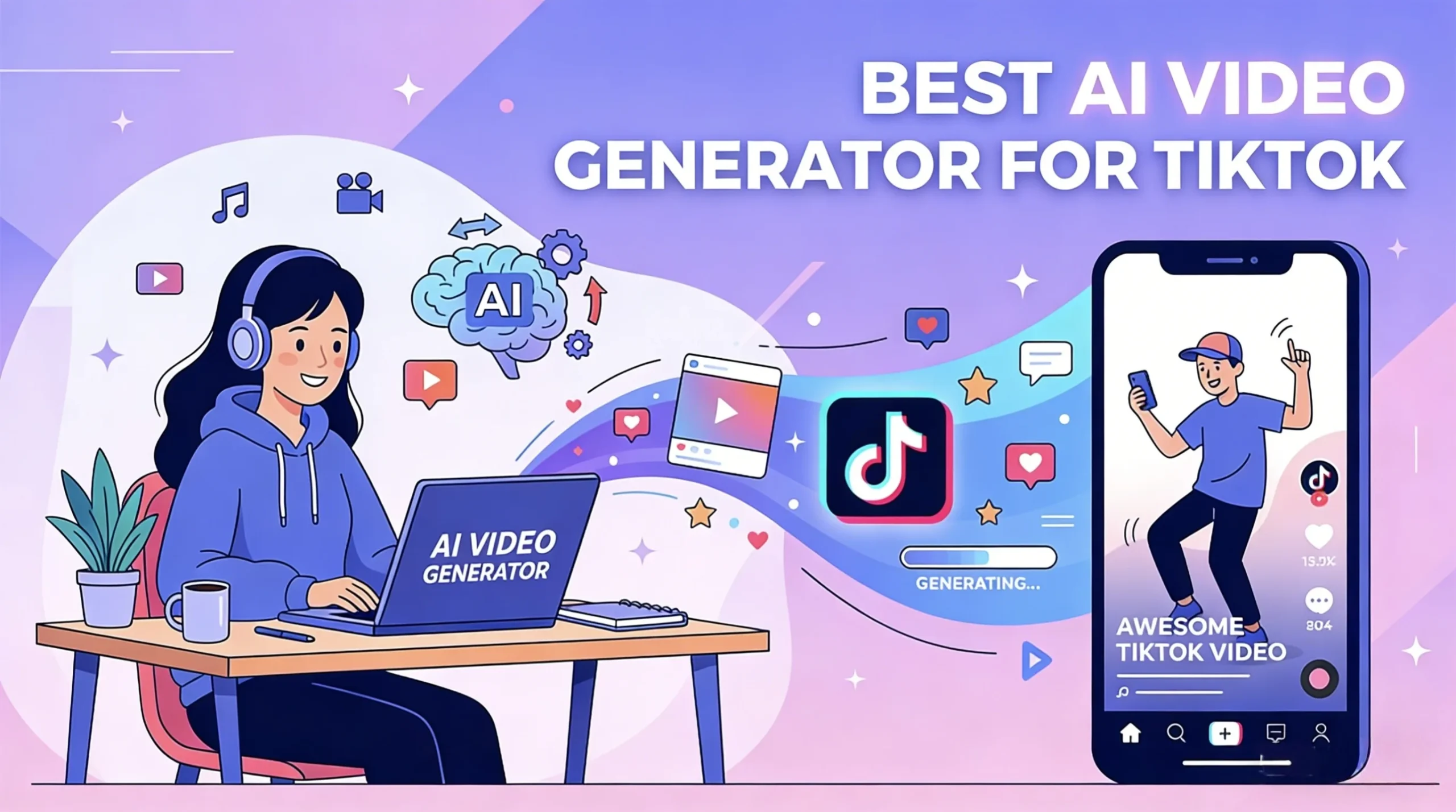
Best AI TikTok Video Generators in 2026, Tested and Ranked

Best AI TikTok Video Generators in 2026, Tested and Ranked

TikTok is full of AI-generated videos now, but most of them still have the same problem: they look like AI. The motion feels too polished, the pacing feels off, and the whole thing looks more like a demo reel than something people would actually watch in their feed. That is why choosing the right AI TikTok video generator is only part of the job. The bigger difference usually comes from workflow. Some tools are great for quick script-to-video drafts. Others are much better for image-to-video, where you have more control over style, character consistency, and motion. After comparing the most talked-about options, a clear pattern shows up. There is no single best tool for everyone. The best AI TikTok video generator depends on whether you care most about speed, realism, free access, or making lots of short videos without watermarks. Which AI TikTok Video Generator Is Best? Here is the short answer. If you are making TikTok content regularly, the smartest approach is not “pick one tool and do everything there.” It is usually this: create a strong visual first, animate it with an image-to-video model, then finish the edit in a lightweight editor. Quick Comparison Tool Best For Main Strength Main Limitation CapCut Beginners Fast, easy, TikTok-native workflow Better for editing and packaging than true high-end generation Kling Realistic I2V Natural motion and strong physics Learning curve is higher AI Image to Video High-volume creators Multi-model workflow, no-watermark output Less ideal if you want pure one-click script-to-video Veo AI people Strong human realism and natural expressions Short clips still need stitching Higgsfield Short-form creators Better control over pacing and camera feel Still a newer workflow for many users Sora Cinematic visuals Polished, high-end output Short clip length makes TikTok workflows slower InVideo AI Script-to-video Fastest way to go from idea to finished draft Results can feel generic Best AI TikTok Video Generators in 2026 CapCut: Best Free AI TikTok Maker for Beginners CapCut is still the easiest starting point for most creators. It is fast, familiar, and built around the kind of short-form workflow TikTok rewards. If your goal is to turn an idea into a post quickly, CapCut does that better than most all-in-one tools. Its biggest advantage is convenience. Captions, templates, quick edits, and export all sit in one place, which makes it great for testing ideas fast. The downside is that it works better as an editing and packaging tool than a serious AI generation engine. Best for: beginners and fast TikTok draftsNot ideal for: creators who want more original or high-end AI visuals Kling: Best for Realistic Image-to-Video Kling is one of the strongest options if realism is your priority. It handles motion better than many competitors, especially when you use it for image-to-video instead of text-to-video. That matters on TikTok, where overly cinematic AI clips can feel unnatural. Kling is better at turning a strong source image into something with believable movement and cleaner physics. The tradeoff is that it rewards a stronger workflow. If you want the best results, you usually need a solid base image first. Best for: realistic I2V content and creators who care about motion qualityNot ideal for: complete beginners who want one-click output AI Image to Video: Best for Watermark-Free TikTok Workflows AI Image to Video is a more practical AI TikTok video generator for creators who want a repeatable workflow, not just a one-off experiment. If you are making short videos regularly, especially across different styles or campaigns, it gives you more room to scale. Its main strength is flexibility. You are not locked into a single generation style, which is useful when one model works better for realism and another works better for stylized motion. It is also a stronger fit if you want clean, watermark-free output from an AI video generator for TikTok. The only catch is that it is less beginner-friendly than a simple script-to-video tool. Best for: workflow-driven creators, batch production, watermark-free outputNot ideal for: users who want the simplest possible generation flow Veo: Best for Realistic AI People Veo stands out when your content depends on believable human characters. Many AI video tools can generate motion or scenery, but fewer handle faces, expressions, and human presence well enough for short-form content. That makes Veo especially useful for AI influencer content, UGC-style visuals, or any format where viewers need to trust the person on screen right away. Its biggest weakness is workflow, not quality. Like most top-end models, it works better for short clips than full finished videos, so you still need editing around it. Best for: AI people, UGC-style visuals, human realismNot ideal for: users looking for a full end-to-end workflow in one tool Higgsfield: Best for TikTok-Style Pacing Higgsfield is interesting because it focuses on how short-form content actually feels. A lot of AI videos fail on TikTok not because the visuals are bad, but because the pacing, camera movement, or rhythm feels wrong for vertical feeds. That is where Higgsfield stands out. Its output feels more aware of TikTok and Shorts conventions, which helps videos feel less like cinematic demos and more like native short-form content. The downside is that it is not the most familiar tool in this space, so its value is clearer once you already know pacing is the problem you need to solve. Best for: TikTok-first creators and users who care about short-form aestheticsNot ideal for: beginners who want the safest mainstream option Sora: Best for Cinematic Clips Sora is still one of the best tools here for pure visual polish. If your goal is to make cinematic, impressive-looking clips, it remains one of the strongest models in the group. The problem is that “looks amazing” does not always mean “works best for TikTok.” Sora is strongest when you want a dramatic visual moment or a more artistic result, but it is less convenient for repeatable short-form production. Clip length and workflow friction make it harder to use at scale. Best for: cinematic visuals and premium

Best Trump AI Video Generators in 2026: Voice, Lip-Sync & Talking Video Tools Compared

Best Trump AI Video Generators in 2026: Voice, Lip-Sync & Talking Video Tools Compared

Trump AI videos continue to go viral across TikTok, YouTube Shorts, X, and meme communities. Some are simple text-to-speech jokes, while others use talking-photo animation, lip-sync AI, and image-to-video workflows to create polished parody clips. The problem is that not every “Trump AI video generator” does the same job. Some tools are better for generating a Donald Trump-style AI voice, while others are built for talking avatars, lip-sync videos, or cinematic AI scenes. This guide compares the best Trump AI video generators in 2026 based on workflow fit, public features, free-plan access, output style, and creator use cases. Disclosure: This article is for informational, parody, commentary, and educational purposes only. Do not use AI-generated voice or video tools to deceive, impersonate, defame, or mislead audiences. Always follow platform rules, local laws, and election-integrity policies. What Is a Trump AI Video Generator? A Trump AI video generator is a tool or workflow used to create synthetic voice or video content inspired by Donald Trump’s speaking style, facial movement, or public persona. Depending on the platform, this can include: In practice, many creators use more than one tool. A common workflow looks like this: That is why the best tool depends on whether you need voice only, a talking face, or a full parody video. How These Tools Fit Image-to-Video Workflows For a site like aiimagetovideo.pro, it helps to treat Trump AI content as part of a broader talking-video workflow. Here are the three most common creator setups: 1. Voice-Only Workflow Best for: Typical stack: 2. Talking-Photo Workflow Best for: Typical stack: 3. Full AI Video Workflow Best for: Typical stack: If your content starts from a still image, the most important features are lip-sync, facial animation, export quality, and caption support. How We Reviewed These Trump AI Tools For this guide, we compared popular Trump AI video and voice tools based on: Because AI tool capabilities and public-figure policies can change over time, readers should verify the latest features and terms on each official website before using them. Trump AI Voice vs. Talking Face vs. Full Video Tools Before choosing a platform, decide what you actually need: It is also important to note that public-figure voice availability may vary by platform policy, moderation rules, or community-created models. Top Trump AI Video Generators Compared Tool Best For Voice Features Video Features Lip-Sync / Talking Face Free Option Notes FakeYou Free meme-style TTS Strong Limited No Yes Good entry-level voice option ElevenLabs High-quality AI voice Excellent No No Limited Best for premium voice workflows HeyGen Talking avatar videos Good Strong Yes Limited/trial Best for speaking-face content Kling AI Cinematic AI visuals Limited Excellent Workflow-based Limited Strong for polished scenes Runway AI video editing Limited Excellent Workflow-based Limited Better for creators who edit heavily Revid.ai Short-form content Basic Good Template-based Limited Great for TikTok/Shorts workflows Musicfy Audio experiments and covers Good No No Limited Better for audio-first parody EaseUS Beginner-friendly workflow Basic to good Good Some support Trial Easier learning curve Galaxy.ai Multi-tool AI access Varies Varies Varies Freemium Useful if you want multiple AI tools Fameo.ai Celebrity-style novelty videos Basic Template-style Limited Paid Better for personalized message formats 1 FakeYou Donald Trump TTS Best for: free Trump-style text-to-speech and quick meme audio FakeYou is one of the most recognizable community-based TTS platforms for parody and entertainment content. If you are specifically looking for a Trump AI voice generator free option, FakeYou is often one of the easiest places to start. Pros Cons Best use case Use FakeYou when you want fast voice output, then pair it with a talking-photo or lip-sync tool. 2 ElevenLabs Trump Voice Workflow Best for: realistic AI narration and high-quality voice output ElevenLabs is one of the strongest choices if your top priority is voice realism. It is not a Trump AI video generator on its own, but it works extremely well as the audio layer in a broader image-to-video or talking-face workflow. Pros Cons Best use case Choose ElevenLabs if your workflow starts with audio and you care most about clean, realistic voice output. 3 HeyGen Trump Talking Video Workflow Best for: talking avatars and speaking-face videos HeyGen is one of the best options if you want a face-driven delivery format. It is especially useful for creators making short talking-head style clips for social media. Pros Cons Best use case Use HeyGen when your goal is a clean talking-face parody video rather than a meme-style montage. 4 Kling AI Best for: polished AI-generated visuals and cinematic parody scenes Kling AI is frequently mentioned in AI creator communities for its high-quality visual generation. It is better suited to stylized AI video scenes than simple text-to-speech memes. Pros Cons Best use case Choose Kling AI if you want more visually impressive AI parody content and are willing to use a multi-tool workflow. 5 Runway Best for: creators who want editing control and advanced AI video tools Runway is less of a single-click Trump generator and more of a creative workspace for AI video creation and editing. It is a strong choice for creators who want more control over cuts, pacing, captions, and final output. Pros Cons Best use case Use Runway if you want to build a more finished video rather than just generate voice output. 6 Revid.ai Best for: fast social content and short-form templates Revid.ai is useful for creators who care more about speed than deep manual editing. If your main distribution channel is TikTok, Reels, or Shorts, template-based workflows can save a lot of time. Pros Cons Best use case Choose Revid.ai if you want to turn parody ideas into publish-ready short-form videos quickly. 7 Musicfy Trump AI Voice Workflow Best for: parody songs, audio experiments, and voice-based content Musicfy is more audio-focused than video-focused. It can be useful for creators making Trump-style song covers, comedic remixes, or stylized voice experiments. Pros Cons Best use case Use Musicfy for voice-first content, parody music, or short comedic audio clips. 8 EaseUS Best for: beginner-friendly media workflows EaseUS can be useful for creators who want a simpler entry point into AI media creation and editing. It is not


Text to Video AI Free Online: Common Questions Answered

Is this AI text to video generator genuinely free?

Yes, our AI text to video generator free platform is genuinely accessible without payment. Generate AI videos from your text descriptions without subscription fees or hidden charges. Make video content using AI without purchasing credits. Premium options exist for advanced features, but core text to video generation remains completely free.

Do I need to create an account to convert text?

No account or login is required to convert text to video using our AI platform. Access the free text to video AI without watermark immediately and start producing content. Your privacy matters, so we do not require personal information to generate AI video content from your descriptions.

Will my AI videos have watermarks?

AI videos generated through our platform come without watermarks. Your text to video AI free without watermark creations are clean and professional. Use your AI video content commercially, in presentations, or anywhere else. We believe creators deserve full ownership of their prompt to video AI content.

What video quality does the AI produce?

The AI generates full HD 1080p video with smooth frame rates and professional color grading. Output quality matches traditional stock footage. AI videos are optimized for viewing and editing in professional software. Convert text to stunning video quality that rivals expensive production studios.

How long are AI generated videos?

Standard AI text generation produces video between 4-8 seconds, optimized for social media clips and advertisements. This duration works perfectly for TikTok, Reels, and Shorts where brief impactful AI video content performs best. Generate video clips ideal for any description you provide.

Can I use AI videos commercially?

Absolutely. All AI videos created through our text to video platform can be used commercially including advertisements, product promotions, and business applications. You retain full rights to monetize your AI video content. Generate an AI video for free and use it however you choose.

How detailed should text prompts be?

Detailed text descriptions produce superior AI video results. Include information about visual elements, lighting, mood, camera movement, and style. A well-crafted text paragraph generates far better video output than a simple sentence. Transform your detailed text vision into matching AI video.

What styles can the AI text generator create?

The AI supports virtually any visual style described in your text. Request cinematic realism, animation, documentary footage, or artistic interpretations. Simply describe your desired aesthetic clearly in text. Transform any creative text concept into matching AI video style.

How fast does text to video AI work?

Most text to AI video generations complete within 30 seconds to 2 minutes depending on complexity. The AI processes your text prompt rapidly. Convert text to video content quickly during a coffee break. Create video from text without lengthy rendering waits.