Model
Video Fast 1.0 Free
Endless creativity, minimal cost. Reserved for early supporters
Prompt
0 / 2500
Aspect Ratio
1:1
3:4
4:3
9:16
16:9
Duration
3 s
5 s
Resolution
480p
720p
Create
Sample Video
Sample video preview

AI TikTok Video Generator: Join the Trend AI Revolution

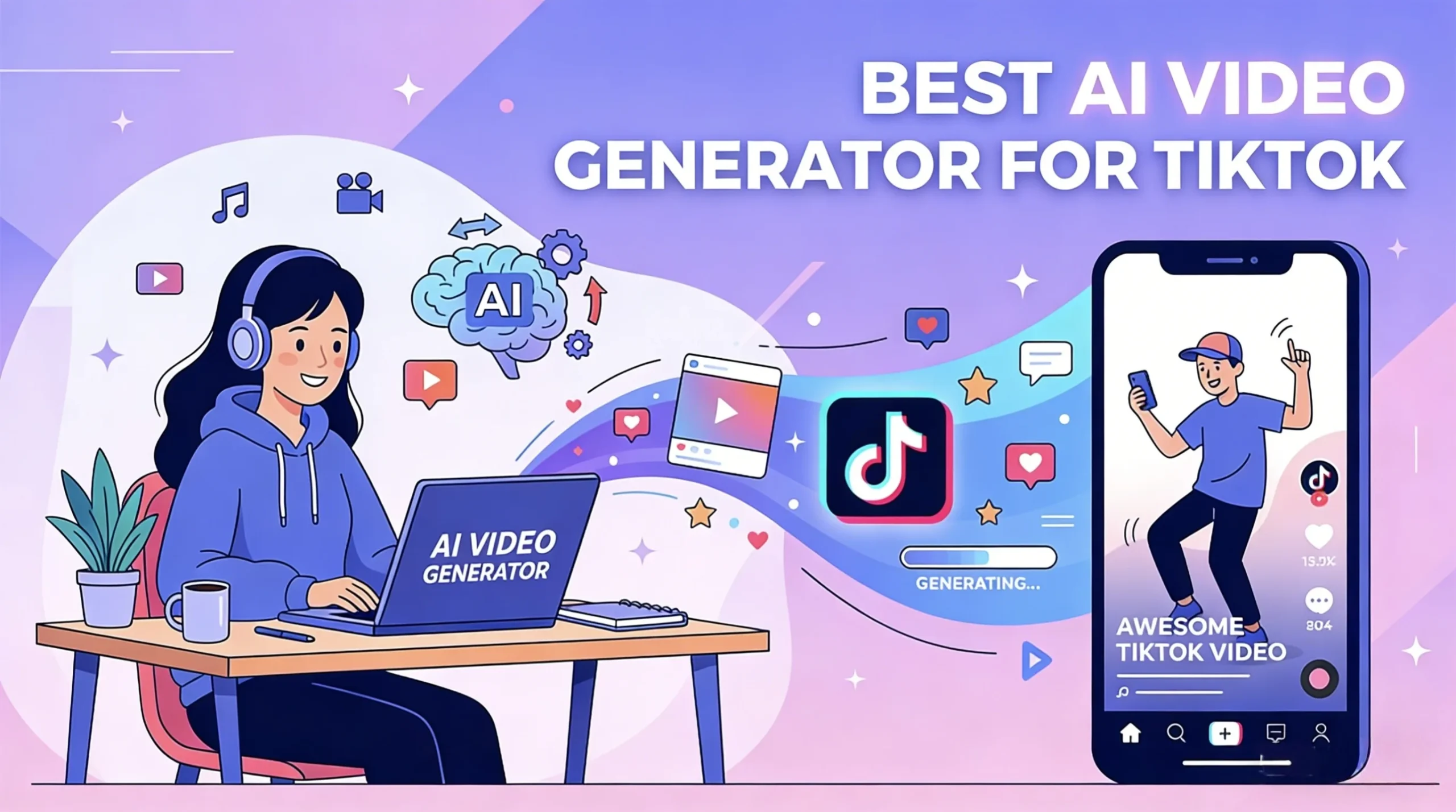
Transform your static images into captivating TikTok content with advanced AI image to video technology. Our platform delivers AI generated tiktok videos optimized for viral potential and maximum engagement on the platform. Whether you want to make tiktok videos with AI for your brand or personal account, this powerful AI tiktok generator provides professional results instantly. The intelligent system understands tiktok AI updates and current platform trends to create content that truly resonates with viewers and drives meaningful engagement.

Prompt
Classic convertible Mustang with roof down speeding through coastal mountain curves, wind whipping passenger's hair wildly as they laugh freely. Liberation escape sequence. Dynamic tracking shot races alongside matching velocity 80mph, camera mounted low capturing tire grip on asphalt edge. Ocean vista appears intermittently through guardrail gaps hundreds of feet below, pine trees blur into green streaks, sunlight strobes through forest canopy. Motion blur on background, shallow depth keeping subjects sharp against speed-rendered environment. Gimbal-mounted 35mm following natural road banking, bright midday sun creating high contrast shadows, Thelma & Louise freedom energy.
Sample Clip
Prompt
First-person student POV brewing complex potion in dimly lit dungeon classroom, hands visible measuring shimmering ingredients into bubbling cauldron. Magical academic immersion. Handheld camera tilts down watching hands pour glowing unicorn hair strands, stir clockwise three times with aged wooden spoon, liquid shifting from emerald to sapphire emitting sparkle particles. Ingredient bottles line stone workbench, floating candles cast flickering amber light creating dancing shadows on medieval walls, Professor Snape's shadow looms past periphery. Steam rises catching backlight creating volumetric atmosphere, magical particle motes float upward. Intimate 50mm lens with shallow depth focusing on cauldron while background softly blurs, warm candlelight contrasting cool dungeon stone, authentic Potterverse tactile experience.
Sample Clip
Prompt
Massive jungle waterfall cascading 200 feet into emerald pool surrounded by lush rainforest vegetation, mist rising creating rainbow prisms in golden afternoon light. Pristine wilderness majesty. Slow aerial drone descent spirals downward from canopy level revealing waterfall's full vertical drama, camera rotating gently showcasing 360-degree untouched ecosystem. Water droplets sparkle mid-air catching sunlight, ferns and orchids cling to wet rock faces, macaws fly through mist creating vivid color bursts. Volumetric god rays pierce through canopy gaps, particles suspended in humid air glowing. Wide 24mm lens maintaining environmental immersion, warm amber sunlight contrasting cool blue-green shadows, Planet Earth BBC nature documentary cinematography.
Sample Clip

Tiktok Video Ideas: Features That Make Your Content Go Viral

Our AI video generator for tiktok combines advanced neural networks with deep platform understanding to deliver exceptional results. Learn how to make AI tiktok videos that naturally fit into feeds and capture attention from the first frame. Every output is carefully crafted with AI tools to create tiktok videos that maximize reach potential and audience engagement.

How to Create Viral Videos

Every clip is generated in TikTok native 9:16 vertical format for optimal mobile viewing experience. The AI video maker for tiktok understands composition for vertical frames, ensuring subjects stay centered and visually balanced throughout the entire clip. Your content displays perfectly on all devices without awkward cropping or quality loss.

Generate TikTok Video

Best AI TikTok Video Generator

Our AI tiktok video maker stays current with platform trends including transitions, reveals, and viral formats that audiences love. The intelligent system recognizes popular visual styles and applies them naturally to create AI videos for tiktok that blend seamlessly into user feeds and capture attention instantly.

Generate TikTok Video

AI TikTok Video Maker

Clips are designed with attention-grabbing opening frames and dynamic motion that stops scrolling immediately. The best AI video generator for tiktok creates movement patterns proven to keep viewers engaged through the entire playback and encourage sharing with friends.

Generate TikTok Video

How to Make AI Videos for TikTok: Simple Steps

Step 1: Upload Image for AI TikTok Video

Start by uploading any photo you want to transform into engaging TikTok content. Our platform accepts JPG, PNG, and WebP formats without restrictions. Whether product photos for AI-driven tiktok marketing campaigns or personal content, the system handles all image types and optimizes them automatically for best results.

Step 2: Set AI Video Prompt for TikTok Style

Describe the motion and style you envision using natural language prompts that the system understands. Select from trending formats including transitions, reveals, and satisfying loops. Use text to video AI features to bring your creative vision to life quickly and effortlessly with professional quality output.

Step 3: Download AI TikTok Video Instantly

Receive your completed clip in high-quality MP4 format ready for immediate posting to TikTok. Download without watermarks and upload directly to your account. Add trending sounds in the app to maximize reach and engagement with your target audience.

Make AI Video TikTok: Creative Applications

Our AI quiz video generator for tiktok serves diverse creator needs across multiple niches and industries. From personal brands to business marketing, the platform adapts to any creative vision with intelligent flexibility that understands your unique content goals.

Influencers
Business
Product Showcase
Entertainment

AI Boyfriend TikTok

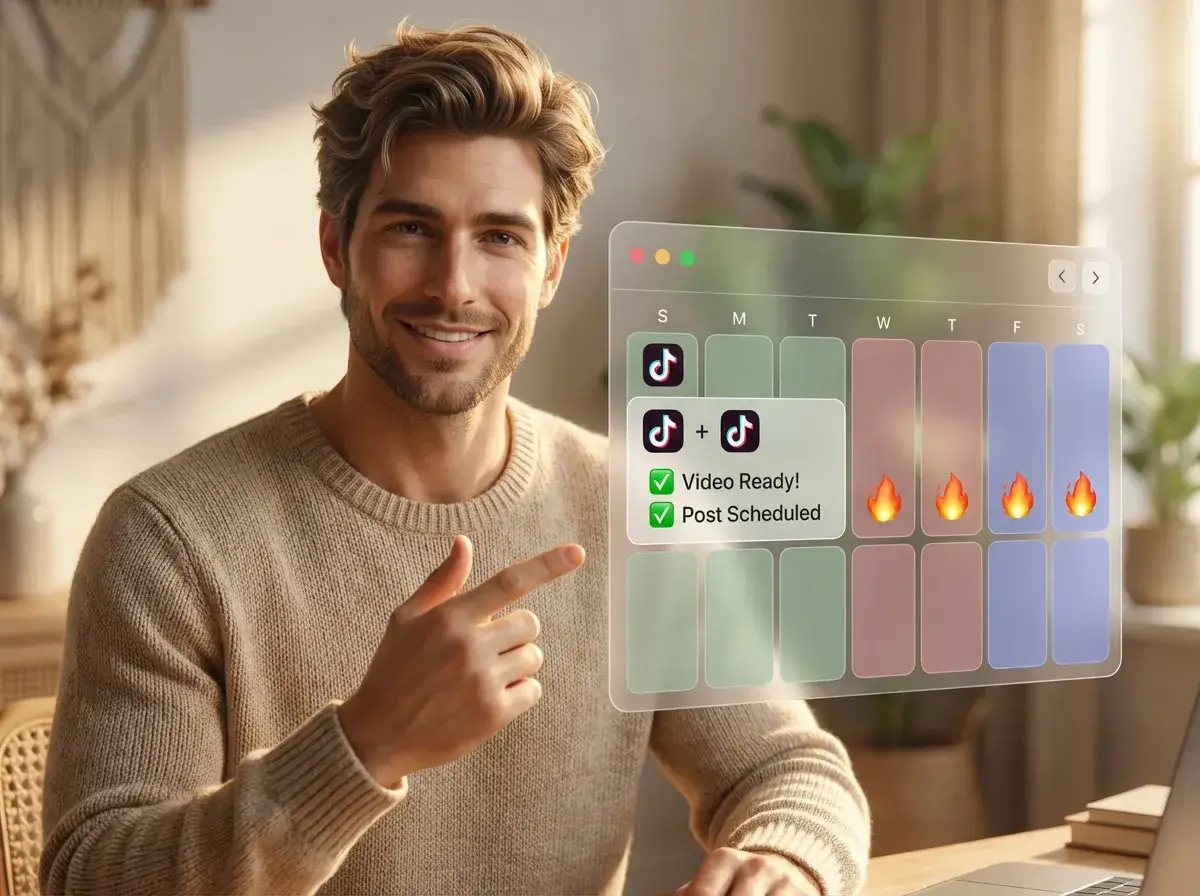
Content creators use this powerful tool to maintain consistent posting schedules without burning out from constant production demands. Transform photos into engaging content that grows your following and helps you compete with full production teams using minimal resources.

AI Video Generator: What TikTok Creators Say

Best AI TikTok Video Generator Experience

Since using this AI tool for my TikTok content, my posts finally started getting real traction. The platform-optimized format makes a noticeable difference in views and engagement compared to my old posting method. Highly recommend it!

Mia Thompson
TikTok Creator 250K

AI TikTok Video Maker Success

Maintaining a daily posting schedule seemed impossible until I found this amazing tool. Now I batch create content in minutes instead of hours. My consistency improved dramatically and so did my follower growth rate.

Jordan Lee
Lifestyle Influencer

AI Video Maker for TikTok Results

Our brand account grew from 5K to 50K followers in just three months using AI-generated content. The native style resonates with users much better than our previous professional productions ever did.

Amanda Rodriguez
Marketing Director

AI TikTok Generator Review

My boutique now competes with major retailers on TikTok. Product clips look professional and drive actual sales. Best marketing investment I never had to make since this tool is completely free to use.

David Chen
Boutique Owner

AI Videos for TikTok Quality

The AI understands current TikTok trends better than I do honestly. My content feels fresh and relevant every time, which keeps my audience engaged and coming back for more daily content from me.

Sophie Martinez
Fashion Creator

AI Tools to Create TikTok Videos

What used to take me two hours now takes just five minutes with this tool. As someone managing multiple platforms simultaneously, this AI tool is absolutely essential for my workflow and productivity.

Ryan Parker
Multi-Platform Creator

News

Best AI TikTok Video Generators in 2026, Tested and Ranked

Best AI TikTok Video Generators in 2026, Tested and Ranked

TikTok is full of AI-generated videos now, but most of them still have the same problem: they look like AI. The motion feels too polished, the pacing feels off, and the whole thing looks more like a demo reel than something people would actually watch in their feed. That is why choosing the right AI TikTok video generator is only part of the job. The bigger difference usually comes from workflow. Some tools are great for quick script-to-video drafts. Others are much better for image-to-video, where you have more control over style, character consistency, and motion. After comparing the most talked-about options, a clear pattern shows up. There is no single best tool for everyone. The best AI TikTok video generator depends on whether you care most about speed, realism, free access, or making lots of short videos without watermarks. Which AI TikTok Video Generator Is Best? Here is the short answer. If you are making TikTok content regularly, the smartest approach is not “pick one tool and do everything there.” It is usually this: create a strong visual first, animate it with an image-to-video model, then finish the edit in a lightweight editor. Quick Comparison Tool Best For Main Strength Main Limitation CapCut Beginners Fast, easy, TikTok-native workflow Better for editing and packaging than true high-end generation Kling Realistic I2V Natural motion and strong physics Learning curve is higher AI Image to Video High-volume creators Multi-model workflow, no-watermark output Less ideal if you want pure one-click script-to-video Veo AI people Strong human realism and natural expressions Short clips still need stitching Higgsfield Short-form creators Better control over pacing and camera feel Still a newer workflow for many users Sora Cinematic visuals Polished, high-end output Short clip length makes TikTok workflows slower InVideo AI Script-to-video Fastest way to go from idea to finished draft Results can feel generic Best AI TikTok Video Generators in 2026 CapCut: Best Free AI TikTok Maker for Beginners CapCut is still the easiest starting point for most creators. It is fast, familiar, and built around the kind of short-form workflow TikTok rewards. If your goal is to turn an idea into a post quickly, CapCut does that better than most all-in-one tools. Its biggest advantage is convenience. Captions, templates, quick edits, and export all sit in one place, which makes it great for testing ideas fast. The downside is that it works better as an editing and packaging tool than a serious AI generation engine. Best for: beginners and fast TikTok draftsNot ideal for: creators who want more original or high-end AI visuals Kling: Best for Realistic Image-to-Video Kling is one of the strongest options if realism is your priority. It handles motion better than many competitors, especially when you use it for image-to-video instead of text-to-video. That matters on TikTok, where overly cinematic AI clips can feel unnatural. Kling is better at turning a strong source image into something with believable movement and cleaner physics. The tradeoff is that it rewards a stronger workflow. If you want the best results, you usually need a solid base image first. Best for: realistic I2V content and creators who care about motion qualityNot ideal for: complete beginners who want one-click output AI Image to Video: Best for Watermark-Free TikTok Workflows AI Image to Video is a more practical AI TikTok video generator for creators who want a repeatable workflow, not just a one-off experiment. If you are making short videos regularly, especially across different styles or campaigns, it gives you more room to scale. Its main strength is flexibility. You are not locked into a single generation style, which is useful when one model works better for realism and another works better for stylized motion. It is also a stronger fit if you want clean, watermark-free output from an AI video generator for TikTok. The only catch is that it is less beginner-friendly than a simple script-to-video tool. Best for: workflow-driven creators, batch production, watermark-free outputNot ideal for: users who want the simplest possible generation flow Veo: Best for Realistic AI People Veo stands out when your content depends on believable human characters. Many AI video tools can generate motion or scenery, but fewer handle faces, expressions, and human presence well enough for short-form content. That makes Veo especially useful for AI influencer content, UGC-style visuals, or any format where viewers need to trust the person on screen right away. Its biggest weakness is workflow, not quality. Like most top-end models, it works better for short clips than full finished videos, so you still need editing around it. Best for: AI people, UGC-style visuals, human realismNot ideal for: users looking for a full end-to-end workflow in one tool Higgsfield: Best for TikTok-Style Pacing Higgsfield is interesting because it focuses on how short-form content actually feels. A lot of AI videos fail on TikTok not because the visuals are bad, but because the pacing, camera movement, or rhythm feels wrong for vertical feeds. That is where Higgsfield stands out. Its output feels more aware of TikTok and Shorts conventions, which helps videos feel less like cinematic demos and more like native short-form content. The downside is that it is not the most familiar tool in this space, so its value is clearer once you already know pacing is the problem you need to solve. Best for: TikTok-first creators and users who care about short-form aestheticsNot ideal for: beginners who want the safest mainstream option Sora: Best for Cinematic Clips Sora is still one of the best tools here for pure visual polish. If your goal is to make cinematic, impressive-looking clips, it remains one of the strongest models in the group. The problem is that “looks amazing” does not always mean “works best for TikTok.” Sora is strongest when you want a dramatic visual moment or a more artistic result, but it is less convenient for repeatable short-form production. Clip length and workflow friction make it harder to use at scale. Best for: cinematic visuals and premium

Best Trump AI Video Generators in 2026: Voice, Lip-Sync & Talking Video Tools Compared

Best Trump AI Video Generators in 2026: Voice, Lip-Sync & Talking Video Tools Compared

Trump AI videos continue to go viral across TikTok, YouTube Shorts, X, and meme communities. Some are simple text-to-speech jokes, while others use talking-photo animation, lip-sync AI, and image-to-video workflows to create polished parody clips. The problem is that not every “Trump AI video generator” does the same job. Some tools are better for generating a Donald Trump-style AI voice, while others are built for talking avatars, lip-sync videos, or cinematic AI scenes. This guide compares the best Trump AI video generators in 2026 based on workflow fit, public features, free-plan access, output style, and creator use cases. Disclosure: This article is for informational, parody, commentary, and educational purposes only. Do not use AI-generated voice or video tools to deceive, impersonate, defame, or mislead audiences. Always follow platform rules, local laws, and election-integrity policies. What Is a Trump AI Video Generator? A Trump AI video generator is a tool or workflow used to create synthetic voice or video content inspired by Donald Trump’s speaking style, facial movement, or public persona. Depending on the platform, this can include: In practice, many creators use more than one tool. A common workflow looks like this: That is why the best tool depends on whether you need voice only, a talking face, or a full parody video. How These Tools Fit Image-to-Video Workflows For a site like aiimagetovideo.pro, it helps to treat Trump AI content as part of a broader talking-video workflow. Here are the three most common creator setups: 1. Voice-Only Workflow Best for: Typical stack: 2. Talking-Photo Workflow Best for: Typical stack: 3. Full AI Video Workflow Best for: Typical stack: If your content starts from a still image, the most important features are lip-sync, facial animation, export quality, and caption support. How We Reviewed These Trump AI Tools For this guide, we compared popular Trump AI video and voice tools based on: Because AI tool capabilities and public-figure policies can change over time, readers should verify the latest features and terms on each official website before using them. Trump AI Voice vs. Talking Face vs. Full Video Tools Before choosing a platform, decide what you actually need: It is also important to note that public-figure voice availability may vary by platform policy, moderation rules, or community-created models. Top Trump AI Video Generators Compared Tool Best For Voice Features Video Features Lip-Sync / Talking Face Free Option Notes FakeYou Free meme-style TTS Strong Limited No Yes Good entry-level voice option ElevenLabs High-quality AI voice Excellent No No Limited Best for premium voice workflows HeyGen Talking avatar videos Good Strong Yes Limited/trial Best for speaking-face content Kling AI Cinematic AI visuals Limited Excellent Workflow-based Limited Strong for polished scenes Runway AI video editing Limited Excellent Workflow-based Limited Better for creators who edit heavily Revid.ai Short-form content Basic Good Template-based Limited Great for TikTok/Shorts workflows Musicfy Audio experiments and covers Good No No Limited Better for audio-first parody EaseUS Beginner-friendly workflow Basic to good Good Some support Trial Easier learning curve Galaxy.ai Multi-tool AI access Varies Varies Varies Freemium Useful if you want multiple AI tools Fameo.ai Celebrity-style novelty videos Basic Template-style Limited Paid Better for personalized message formats 1 FakeYou Donald Trump TTS Best for: free Trump-style text-to-speech and quick meme audio FakeYou is one of the most recognizable community-based TTS platforms for parody and entertainment content. If you are specifically looking for a Trump AI voice generator free option, FakeYou is often one of the easiest places to start. Pros Cons Best use case Use FakeYou when you want fast voice output, then pair it with a talking-photo or lip-sync tool. 2 ElevenLabs Trump Voice Workflow Best for: realistic AI narration and high-quality voice output ElevenLabs is one of the strongest choices if your top priority is voice realism. It is not a Trump AI video generator on its own, but it works extremely well as the audio layer in a broader image-to-video or talking-face workflow. Pros Cons Best use case Choose ElevenLabs if your workflow starts with audio and you care most about clean, realistic voice output. 3 HeyGen Trump Talking Video Workflow Best for: talking avatars and speaking-face videos HeyGen is one of the best options if you want a face-driven delivery format. It is especially useful for creators making short talking-head style clips for social media. Pros Cons Best use case Use HeyGen when your goal is a clean talking-face parody video rather than a meme-style montage. 4 Kling AI Best for: polished AI-generated visuals and cinematic parody scenes Kling AI is frequently mentioned in AI creator communities for its high-quality visual generation. It is better suited to stylized AI video scenes than simple text-to-speech memes. Pros Cons Best use case Choose Kling AI if you want more visually impressive AI parody content and are willing to use a multi-tool workflow. 5 Runway Best for: creators who want editing control and advanced AI video tools Runway is less of a single-click Trump generator and more of a creative workspace for AI video creation and editing. It is a strong choice for creators who want more control over cuts, pacing, captions, and final output. Pros Cons Best use case Use Runway if you want to build a more finished video rather than just generate voice output. 6 Revid.ai Best for: fast social content and short-form templates Revid.ai is useful for creators who care more about speed than deep manual editing. If your main distribution channel is TikTok, Reels, or Shorts, template-based workflows can save a lot of time. Pros Cons Best use case Choose Revid.ai if you want to turn parody ideas into publish-ready short-form videos quickly. 7 Musicfy Trump AI Voice Workflow Best for: parody songs, audio experiments, and voice-based content Musicfy is more audio-focused than video-focused. It can be useful for creators making Trump-style song covers, comedic remixes, or stylized voice experiments. Pros Cons Best use case Use Musicfy for voice-first content, parody music, or short comedic audio clips. 8 EaseUS Best for: beginner-friendly media workflows EaseUS can be useful for creators who want a simpler entry point into AI media creation and editing. It is not


AI TikTok Video Generator: Frequently Asked Questions

Is this AI TikTok video generator really free?

Yes, our AI TikTok video generator is completely free to use with no hidden charges or watermarks on your content. Create professional TikTok content without subscriptions or premium tiers required for basic functionality.

What video format does the AI generate for TikTok?

All clips are created in 9:16 vertical format specifically optimized for TikTok and other short-form platforms. Output is delivered in high-quality MP4 at 1080p resolution with smooth motion for professional results.

How long are the AI generated TikTok videos?

AI generated clips typically range from 4-8 seconds, optimized for TikTok attention patterns and algorithm preferences. This duration captures viewer attention quickly while encouraging shares and repeat views.

Can I add music to AI generated videos?

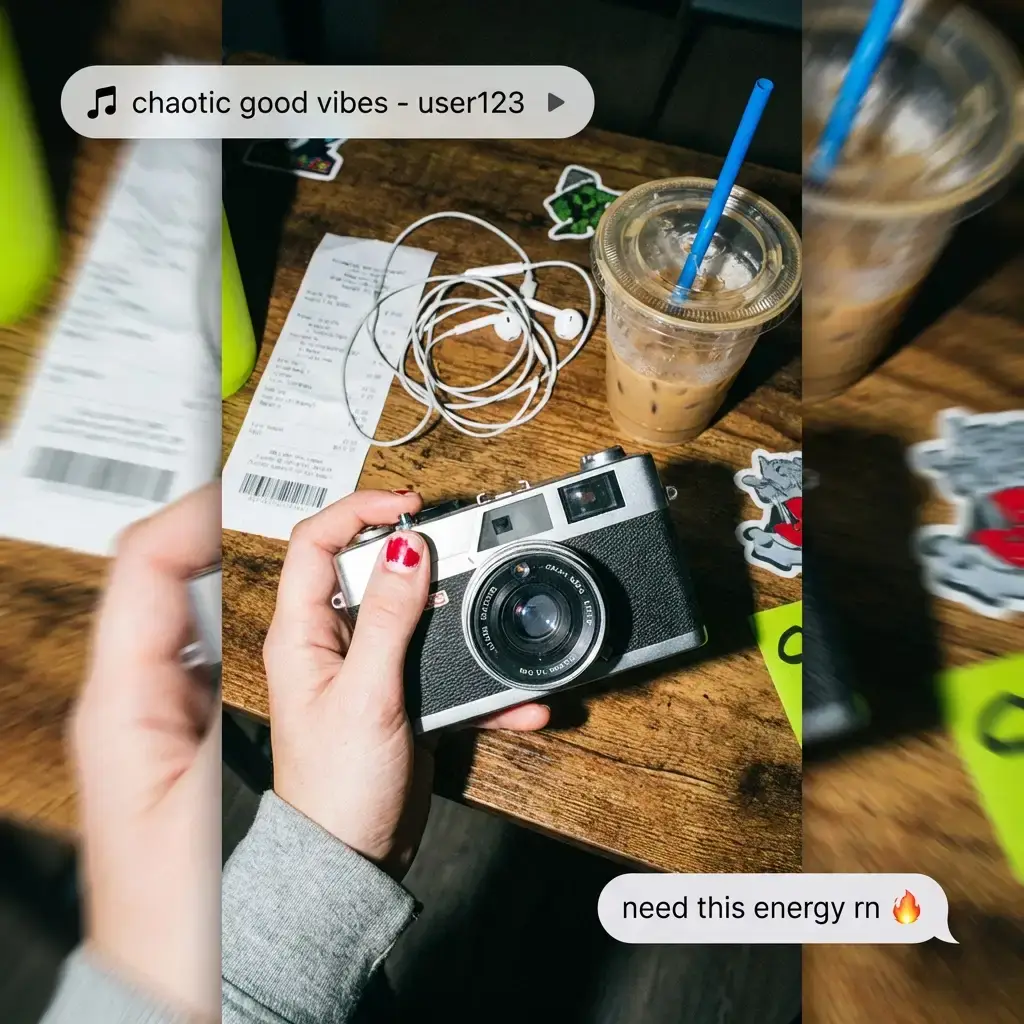
AI created clips are delivered without audio, ready for you to add trending TikTok sounds directly in the app. This approach ensures you can leverage current viral audio trends for maximum reach and engagement.

Does this AI tool work for TikTok Shop content?

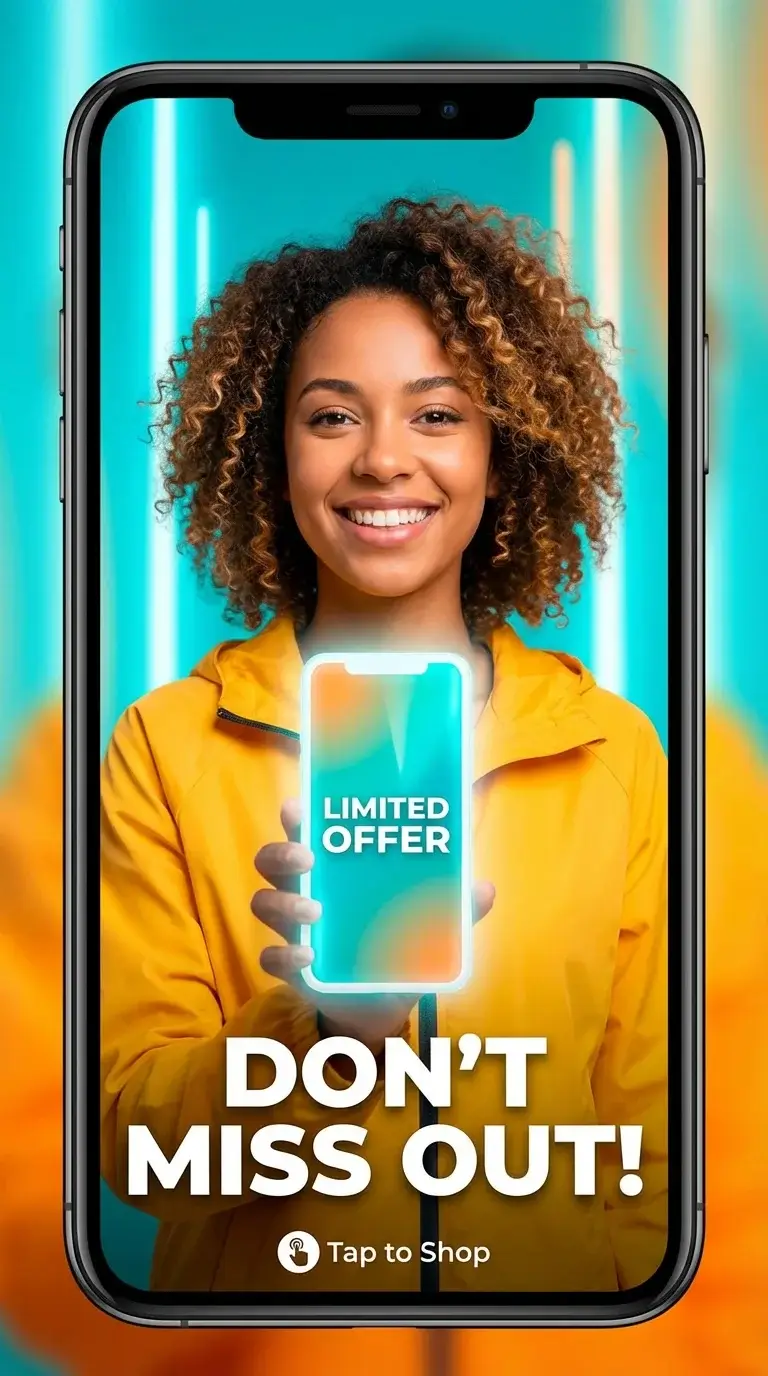
Absolutely. Our AI creates perfect product showcase clips ideal for TikTok Shop listings and promotional content campaigns. Transform product photos into engaging material that drives purchases and conversions.

What image types work best with the AI video maker?

High-quality photos with clear subjects produce the best results when the AI processes them for transformation. Product images, portraits, landscapes, and artwork all transform beautifully into engaging TikTok content.

Can AI generated videos be used commercially?

Yes, all content created with our AI TikTok video generator can be used commercially without any restrictions. You retain full rights to your creations for business marketing, monetization, and brand promotion purposes.